AMS Transfers / Bulk artwork review
DTF Gang Sheet Builder
Upload several designs, set print sizes and copies, and choose how each file should print before adding it to your gang sheet.
Bulk upload: PNG, JPG and WebP. PDF and SVG: one file at a time.
Need artwork? Browse the free Design Library.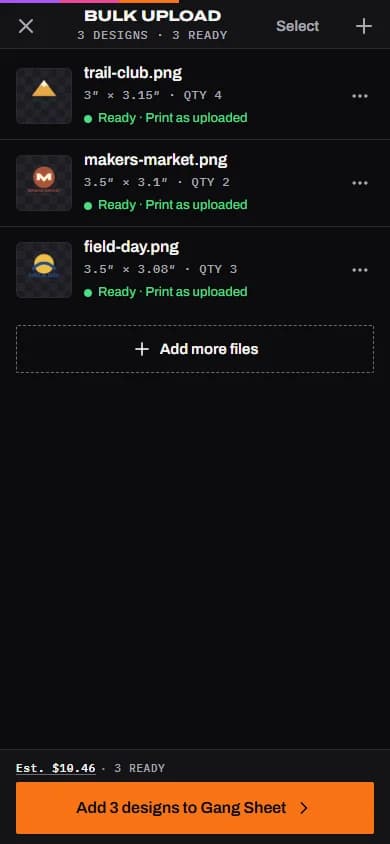
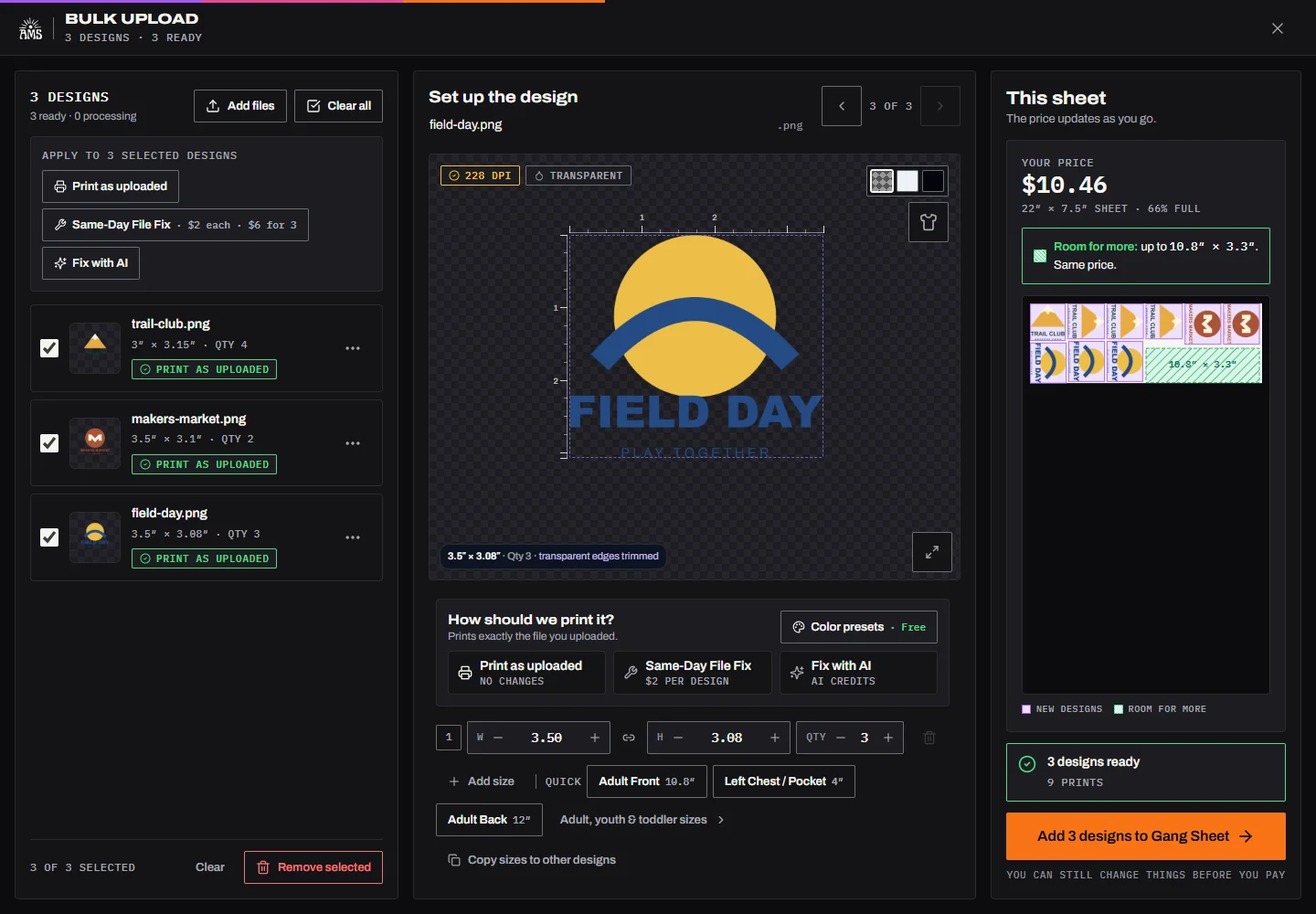
Review each design
Choose what each file needs.
Set the intended print dimensions and copy count for each design. Check backgrounds, edges and every word at that size, then choose its handling.
- Print as uploaded
- Keep your uploaded artwork. Check the file at its final print size and approve the version you intend to use.
- Fix with AI
- Sign in, review the current credit quote, and check the result before using it. AI can change details or lettering; repair is not guaranteed.
- Same-Day File Fix
- Request staff artwork help when the file needs attention. File Fix timing is separate from transfer production and pickup timing.
A starting point for your sheet
Find a design, set your print size, and keep building.
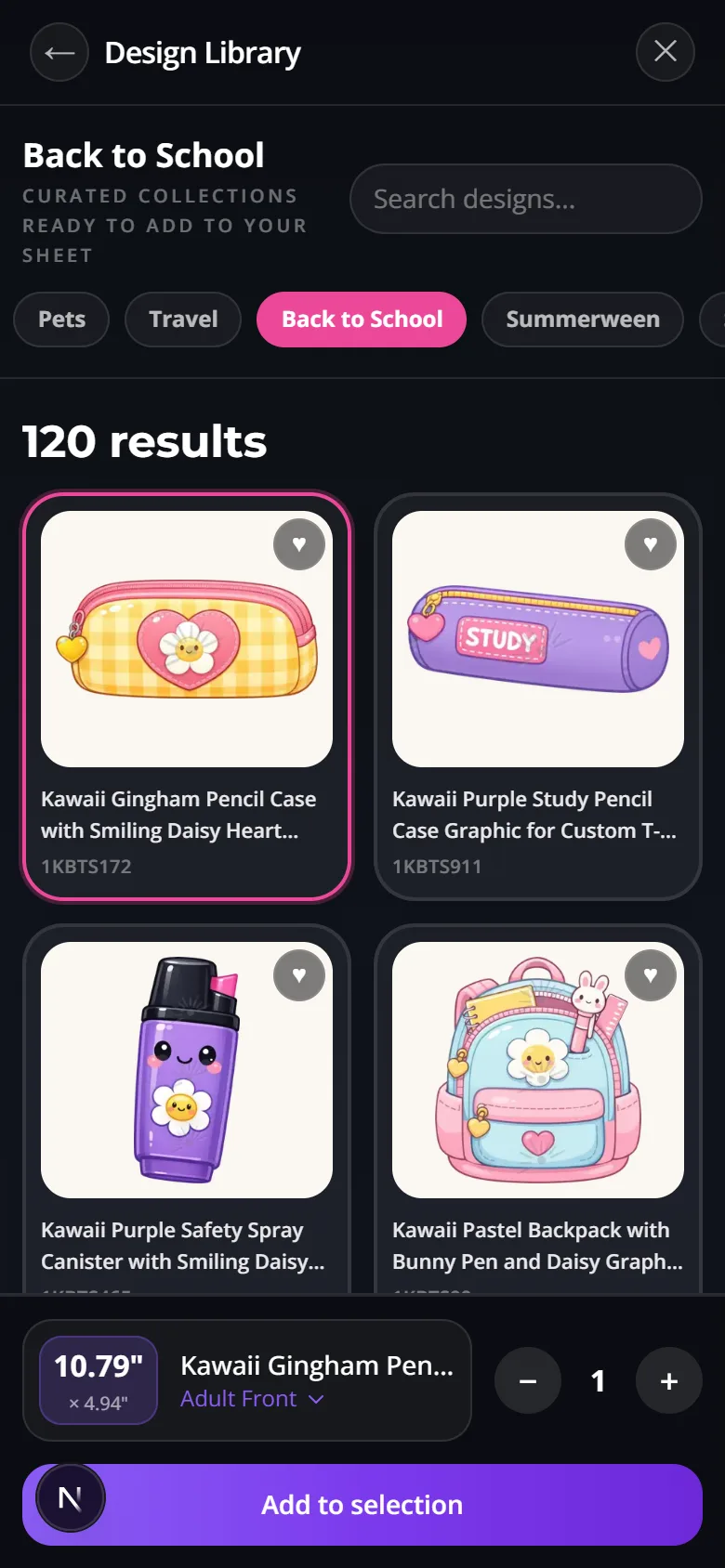
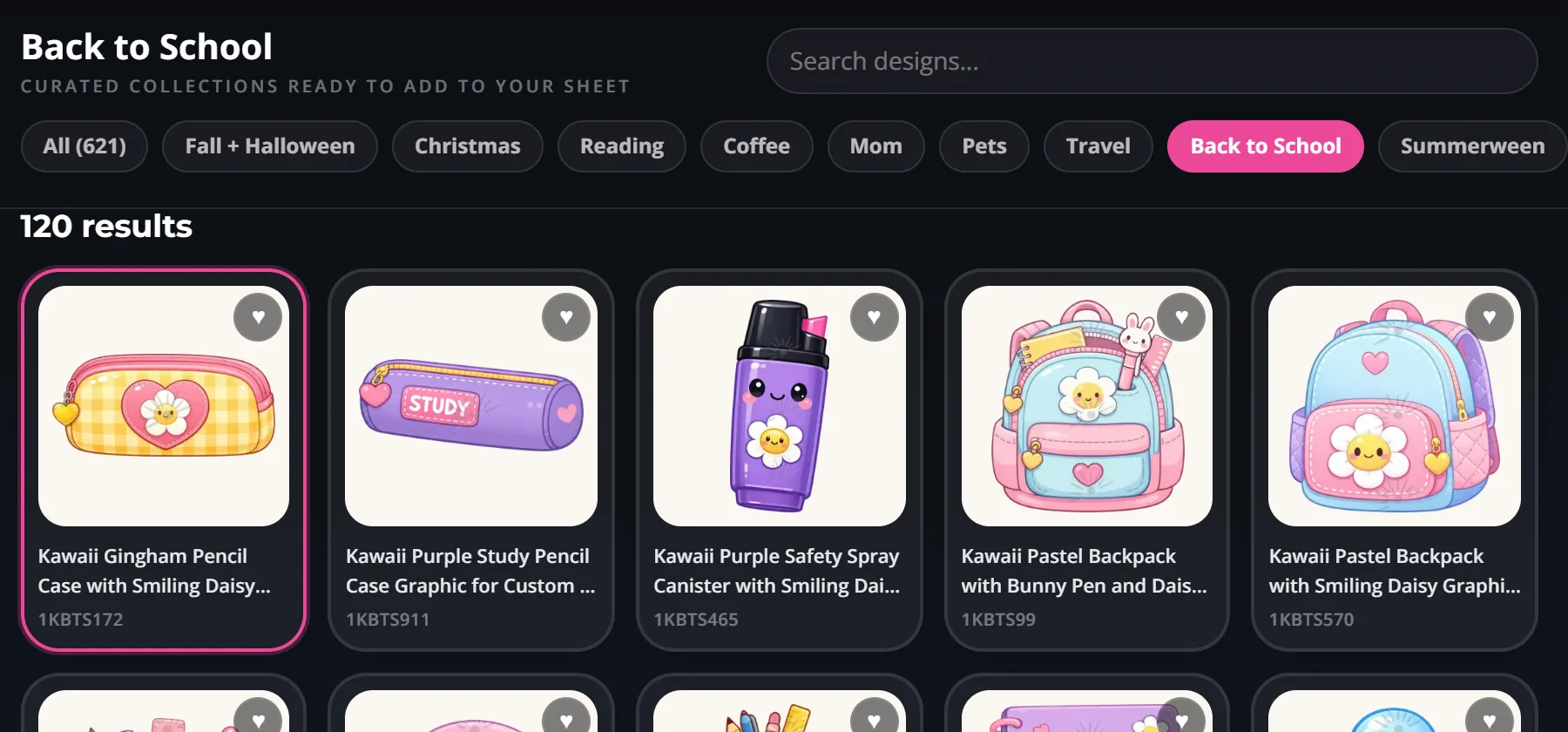
The Design Library lives inside the gang sheet builder. Its categories and published designs update as the library changes, so the artwork you see is the artwork currently available to select.
Step 1
Browse what is available
Open the library from the builder. Use search, active category filters, Fresh designs, and Popular right now or Featured picks when available.
Step 2
Choose size and quantity
Select a design, confirm the print dimensions, set the number of copies, and add it to your selection.
Step 3
Review the whole sheet
Finalize your selection and the builder arranges the sheet for you. Then check sheet placement and spacing, and inspect your proof before ordering.
Start from a fixed size, then let the builder take over.
The most popular gang sheet sizes — 22x24, 22x48, 22x60, 22x96, and 22x120 — each have their own page with stable pricing. Pick a starting size, then let the builder handle auto-pack, proofing, and flexible length expansion.
Everything the builder does once artwork lands
Start with any fixed size, then let AMS grow the sheet automatically if your artwork demands more room.
Set sizes and quantities, then let the builder nest the layout and reclaim blank space for extra value.
Trim whitespace, watch live DPI warnings, swap proof backgrounds, and approve a downloadable proof before production.
Use background removal, upscaling, screenshot-to-design, and AI-assisted artwork cleanup without leaving the order flow.
Real artwork help inside the order flow
- Upload PNG, PDF, SVG, AI, or JPG artwork directly into the builder
- Use screenshot-to-design to rebuild rough references into print-ready art
- Remove backgrounds and auto-crop before the artwork hits the sheet
- Upscale soft files before you commit to final print size
- Generate or refine art inside the AMS DesignGen workflow
- Screenshot-to-Design
Turn a screenshot, photo, or reference image into print-ready art before you pack the sheet.
- DesignGen + cleanup tools
Create artwork, upscale soft files, remove backgrounds, and prepare graphics without leaving the AMS ecosystem.
- Same-day Houston DTF
Review locker pickup timing, courier rules, and rush-order realities before promising a deadline.
- How to apply DTF transfers
Send press settings and application instructions to your team after the order is placed.
Questions buyers ask before uploading artwork
Yes. Open the builder and choose Browse Free Design Library. Search or browse a category, select a design, choose its print size and quantity, and add it to your selection. Finalize the selection and the builder places and arranges the designs on your sheet automatically. You can also mix library designs with your own uploads.
Yes. The builder shows active categories and published designs from the current library. New designs appear in the newest preview and Fresh designs collection; the available choices can change over time.
No. The AMS builder can start without a fixed length. The fixed-size product pages are there to give you a predictable starting price, but the builder works just as well on its own.
Yes. Open the gang sheet builder on this site and upload one or several PNG, JPG, or WebP files. Upload PDF and SVG files one at a time. Review each design before adding it to the sheet.
AMS combines fixed-size product pages with infinite builder logic, plus auto-pack, proof approval, artwork cleanup tools, and same-day Houston pickup — all in one flow.
Order by 2:00 PM Central, Monday through Saturday. Most qualifying DTF jobs are ready in about 4 hours, with the same-day service window extending to 10:00 PM Central in the 24/7 lockers.